Rhythm, harmony and your next good idea. All in one place.
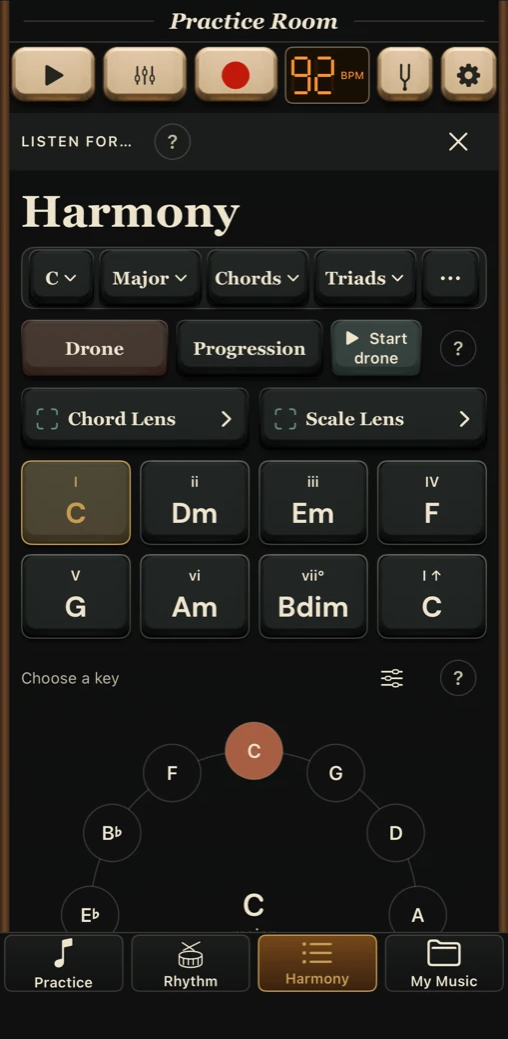
Build a groove. Explore a chord or scale. Play a progression, record over it, and keep the useful parts close.
Find the shape. Guitar and keyboard views for chords, scales and arpeggios.
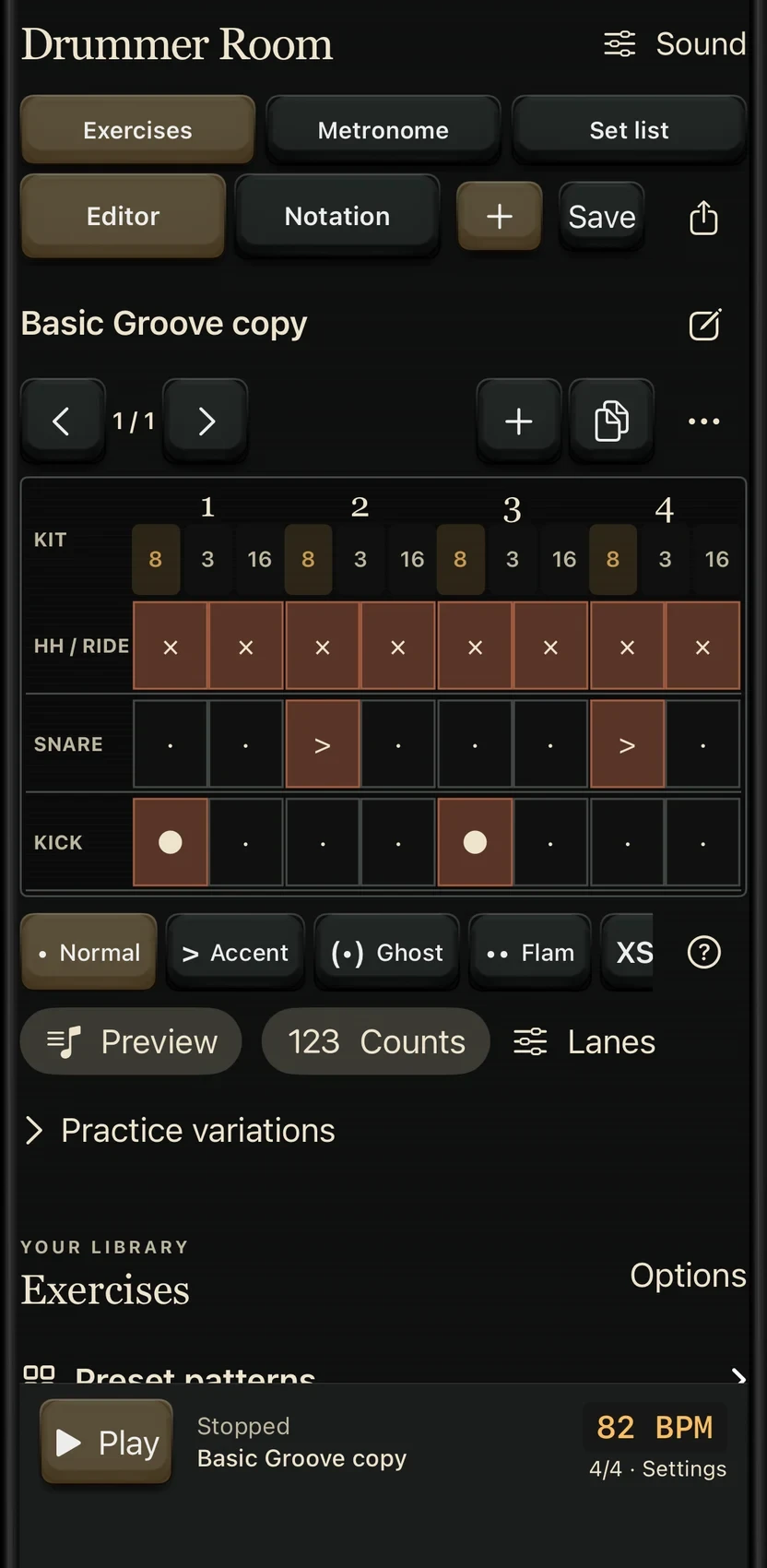
Keep the pulse. Drum grooves, strum patterns, notation and a choice of kits.
Carry the lesson forward. Reviewable lesson wrap-ups, diagrams and your own notes, with optional local AI on your Mac. Optional cloud processing prepares wrap-ups without a paired Mac.
Four ways to make it yours
Black Console, Walnut, Cream and Original. Change the appearance in the gallery to see the actual app screens.
Free tuner, recorder, PDF reader, basic click or rock beat, notes and shared lessons. Practice Room Full: $9.99 once. Teacher Local AI wrap-ups: another $9.99 once. Optional cloud plans start at $9.99/month. See plans and pricing.
Mac download available now · macOS 14+ · Apple silicon. The iPhone and iPad App Store listing is not yet public.
Practice Room · Harmony · Black Console appearance · native iPhone captureEnlarge screen
iPhone · iPad · MacComing soon
Drummer Room
Turn a rhythmic idea into a groove you can see, hear and share. Choose and change subdivisions directly on each beat, making straight, triplet and mixed-subdivision rhythms easy to explore. Move between the grid and notation, explore kits, and organize songs into a set list.
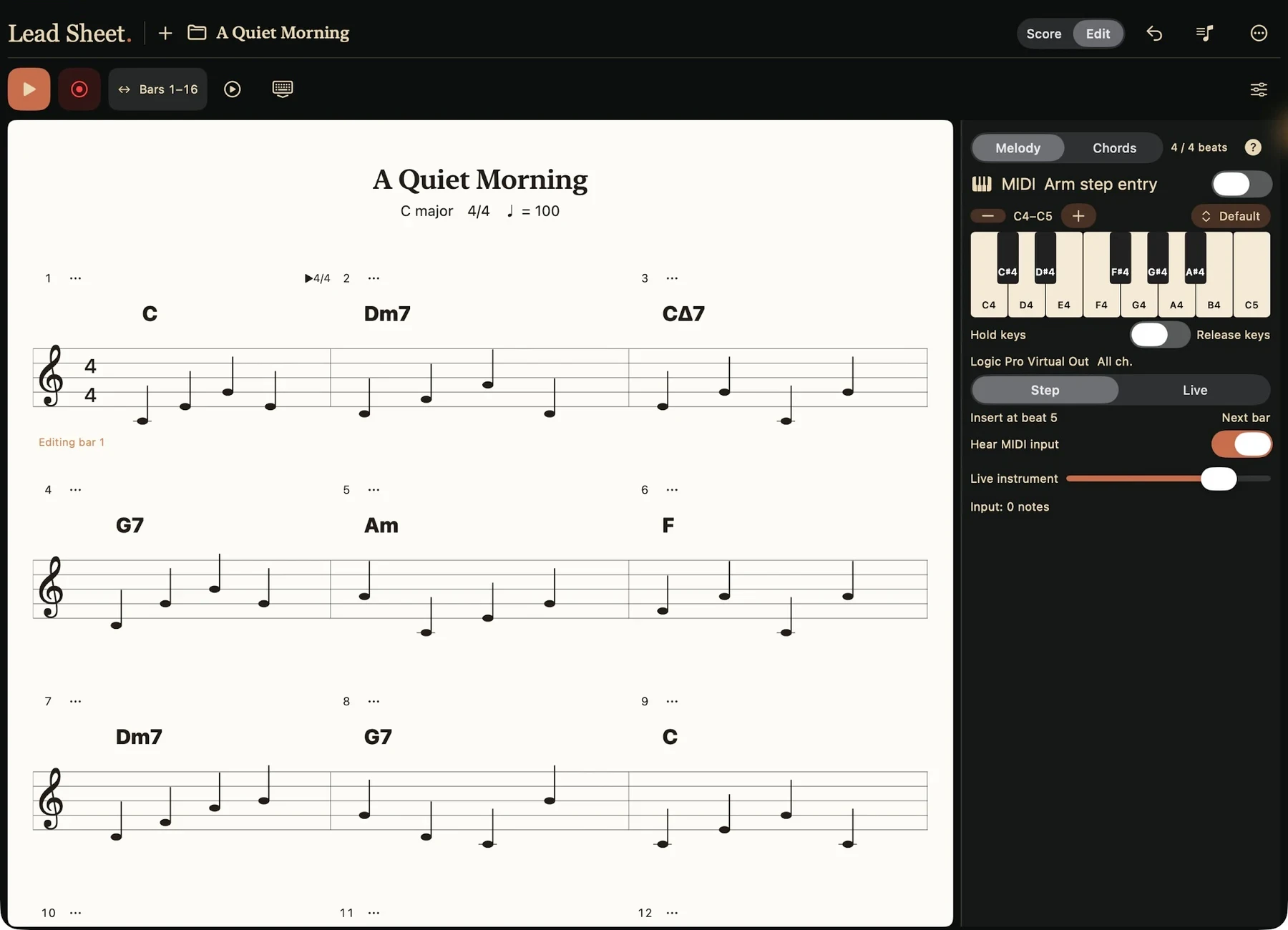
Create lead sheets and chord charts from MIDI input, audio input, or the on-screen keyboard. Review and edit the notes and chords, hear them back, then work with the score.
Lead Sheet · on-screen keyboard and MIDI entry on Mac.Enlarge screen
In the studio
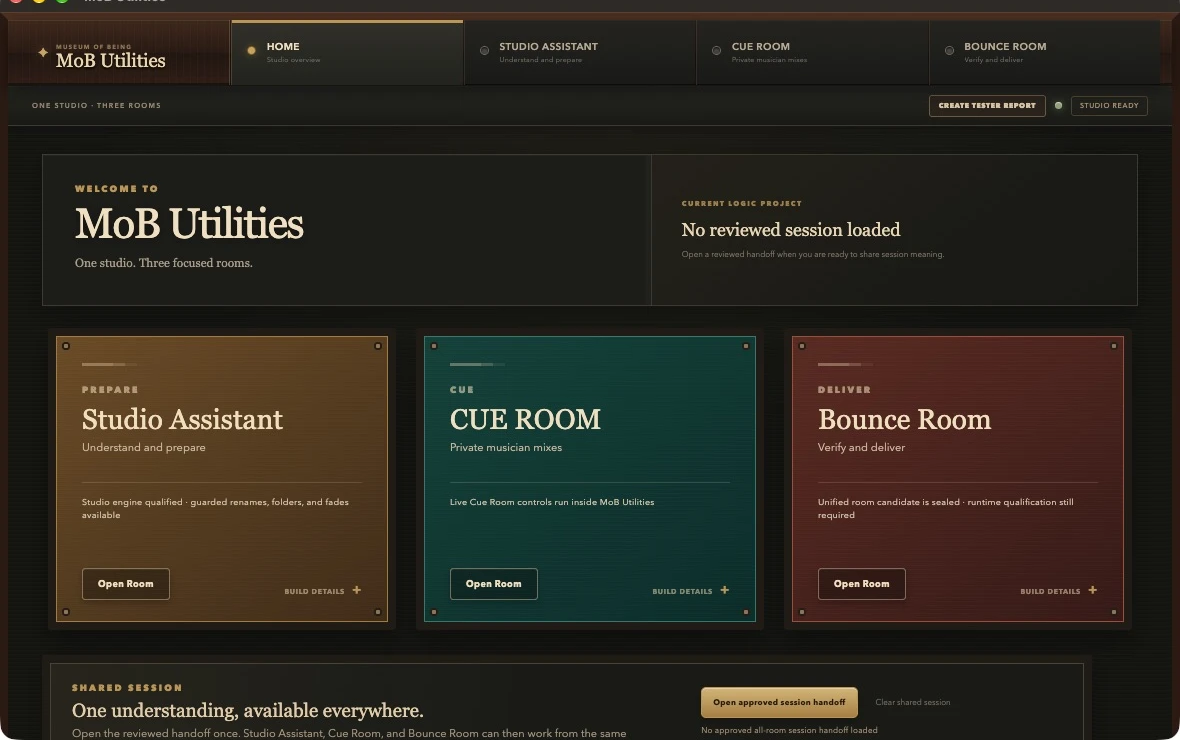
One studio. Three rooms.
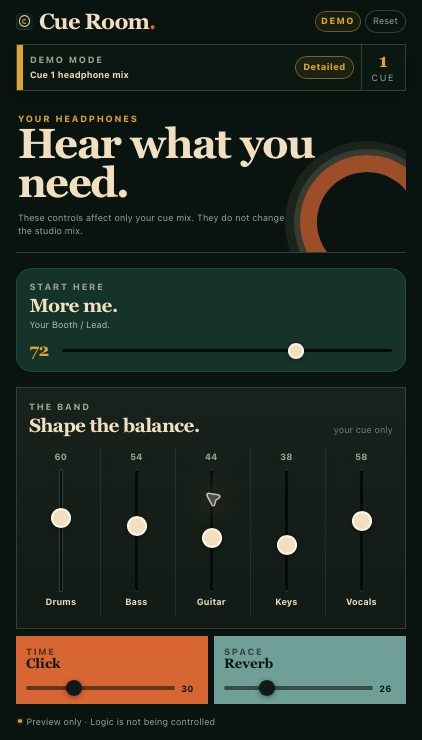
MoB Utilities brings preparation, private cue mixes and delivery into one Mac workspace. Each room keeps its own job in focus.
Musicians control their own headphone mix from their phone, tablet or computer. A private room link lets each player adjust what they hear in their headphones while the engineer keeps working on the recording mix.
Cue Room · musician mix with demo channels. Enlarge screen
PrepareComing soon
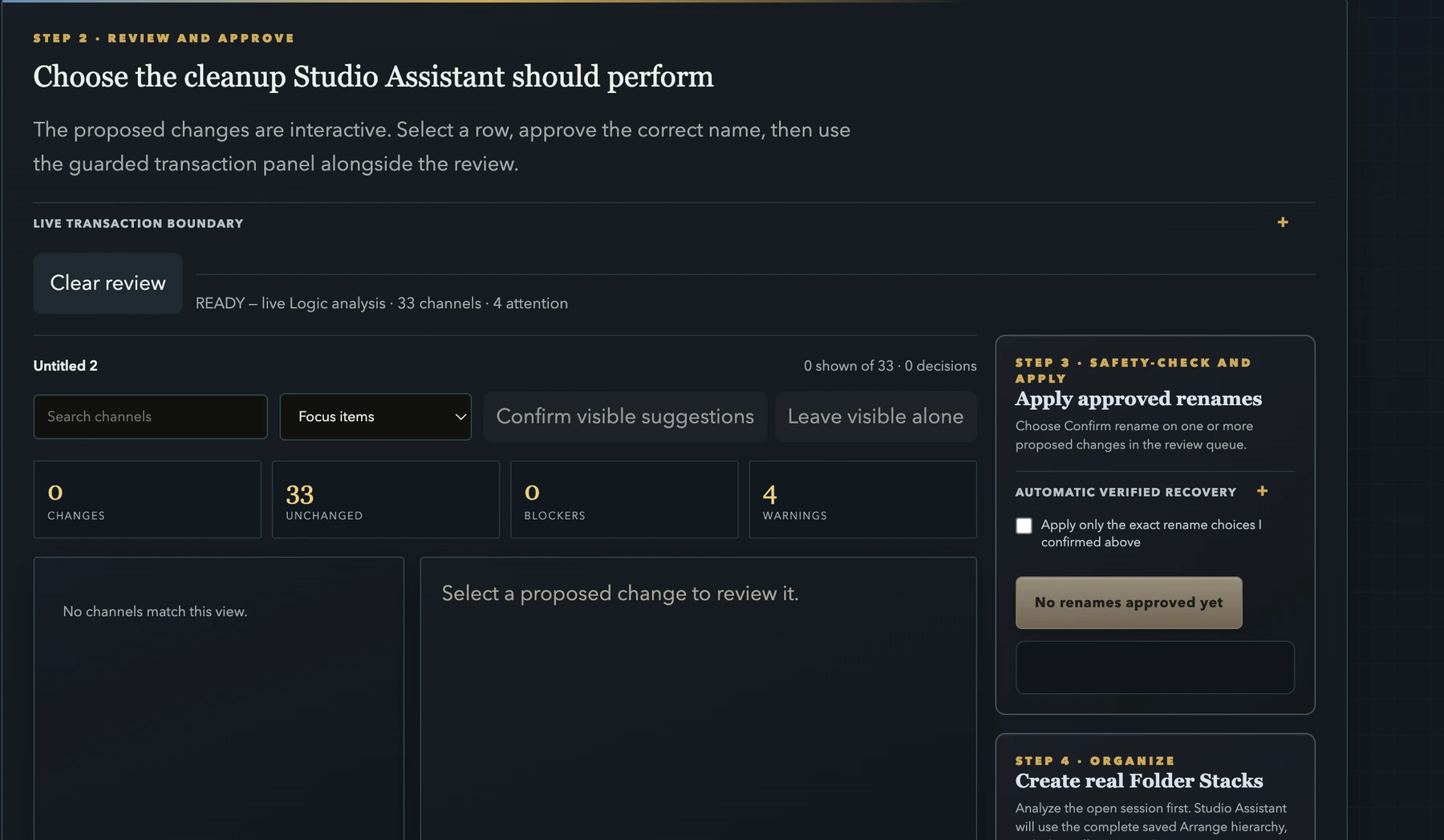
Studio Assistant
Understand the session, review the proposed cleanup, then approve the changes you want. Names, routing questions and session preparation stay ready for your review.
Studio Assistant · cleanup review and approval on Mac. Enlarge screen
DeliverComing soon
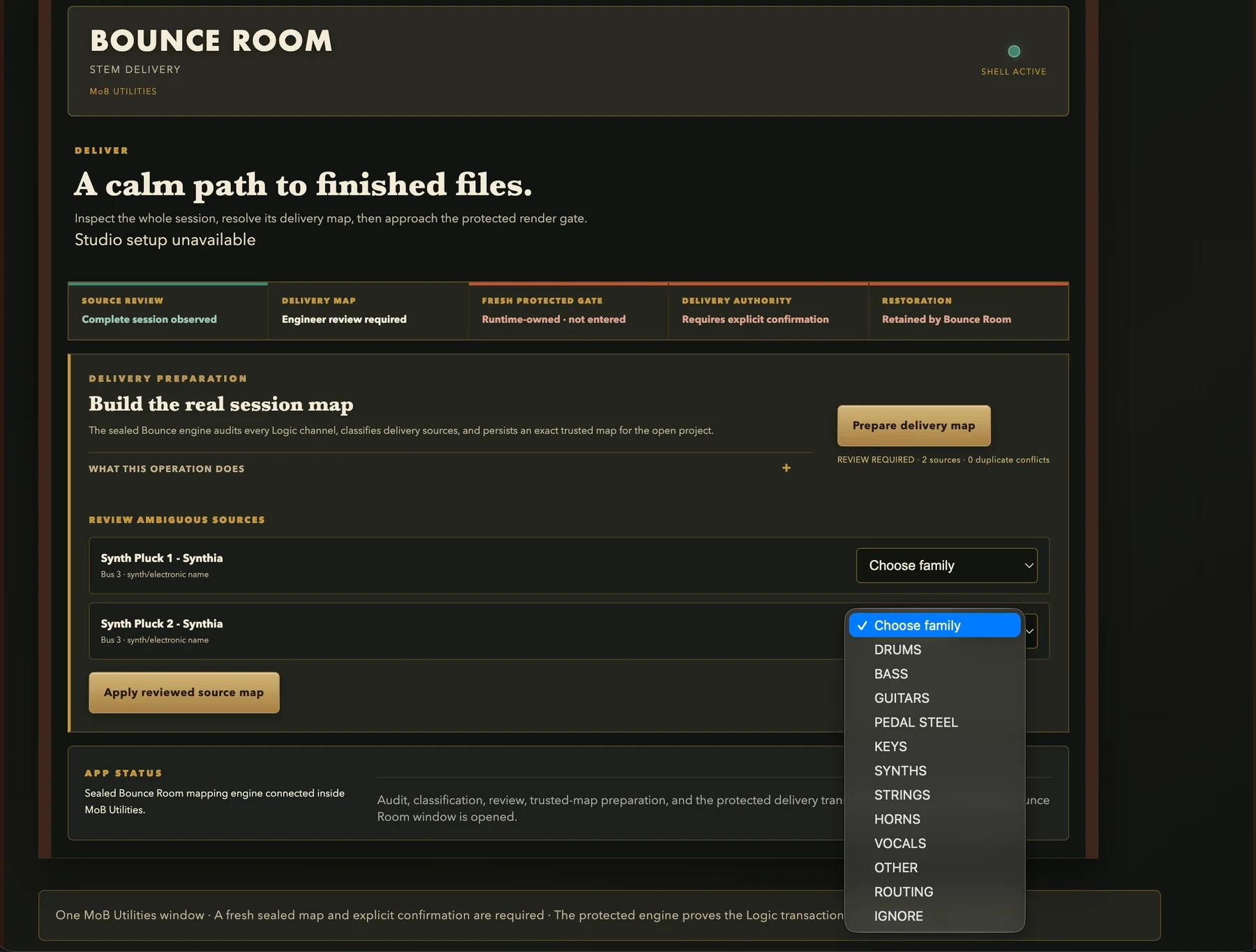
Bounce Room
Prepare stems and delivery formats from your existing session, with routing review and protection for the working project.
Bounce Room · delivery preparation on Mac. Enlarge screen
Explore a sound
Familiar sounds. Somewhere new to go.
Mac instruments and effects. The screenshots below show the working Mac interfaces. Public releases, final compatibility and pricing are coming soon.
InstrumentComing soon
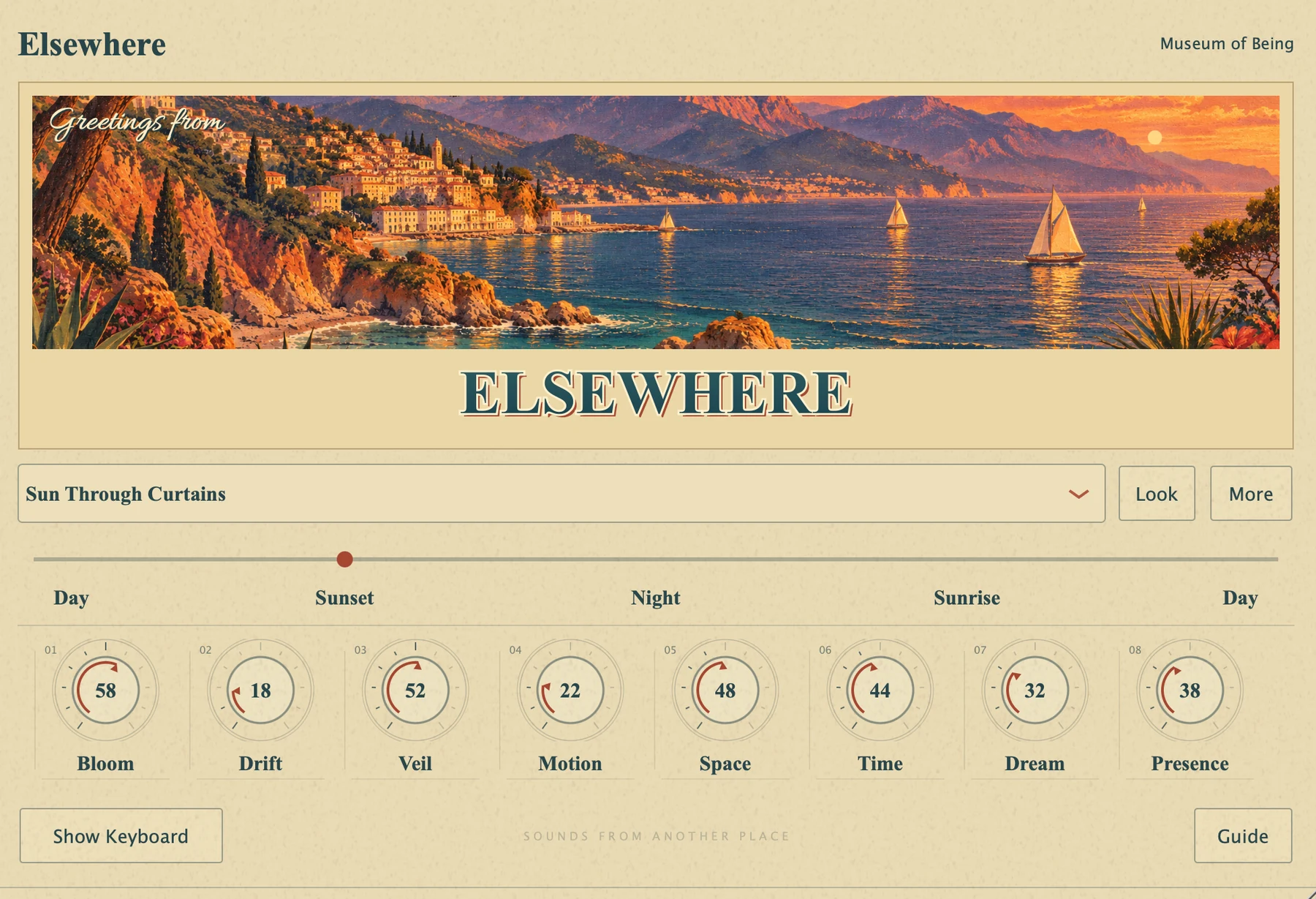
Elsewhere
Warmth, drift and slowly changing chords.
A polyphonic atmospheric synthesizer for sounds that unfold while you play.
Elsewhere · Mac plugin interface.
EffectComing soon
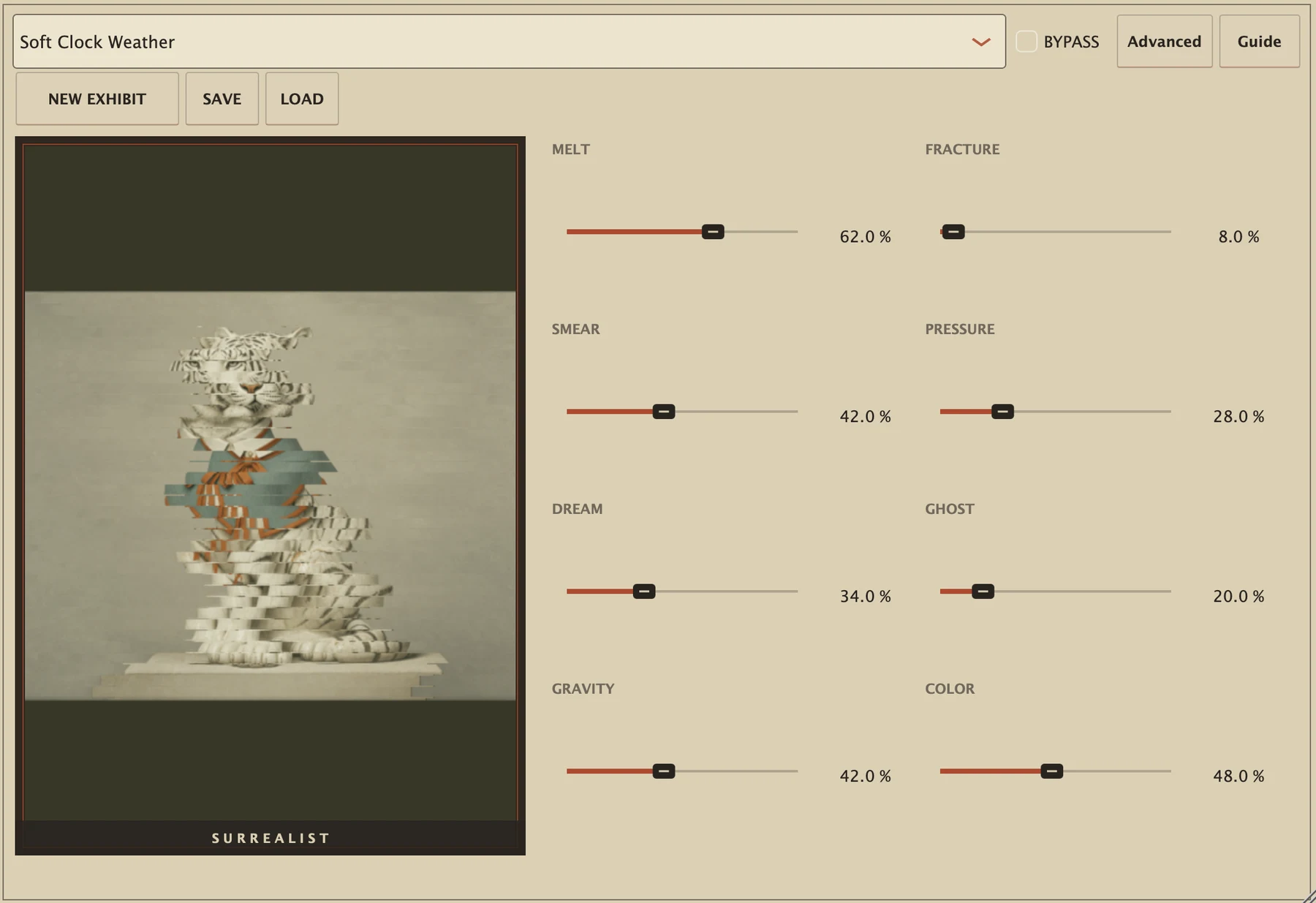
Surrealist
Distortion, texture and scene-based transformations for familiar sounds.
Practice Room is available now! All other products shown here are coming soon. Pricing and public download links will be added when each release is available. Screenshots show the actual interfaces; Cue Room uses demonstration channel data.